
Welcome to my list of the top 10 Chrome extensions that will make your life easier! From productivity tools to metadata cleaners, these powerful extensions will give you the edge in improving your online experience. Whether you're a student or professional, these extensions help make your day-to-day a bit simpler.

What are Chrome Extensions?
Google Chrome has a wide range of extensions that can help users increase productivity, gain insights, and manage tasks more effectively. Chrome extensions are small software programs that customize the browsing experience to provide added features and functionalities. They make it easy to modify Chrome’s interface, add new features, enhance web pages, and more. In this article, we will cover some of the best Chrome Extensions that can improve your day-to-day browsing experience.
So let's get started and see what we have in store
1. AdBlock Plus –
 |
With over 10 million users, AdBlock Plus is one of the most popular Chrome extensions. It blocks annoying ads, pop-ups, and tracking from websites and returns you to a more pleasant browsing experience. It can also be whitelisted to allow trusted websites.
You can check This Article: What is Telegram and why should I use it?
2. Session Buddy –
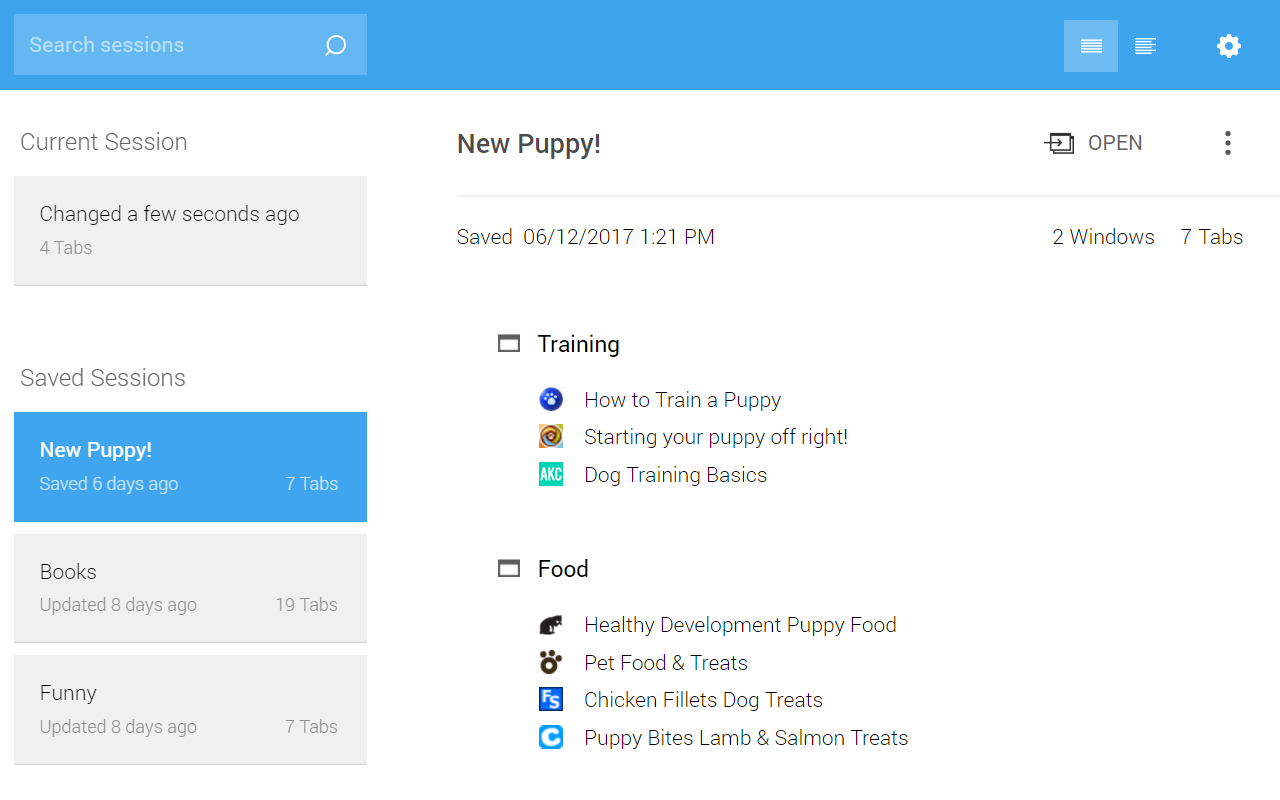
Session Buddy helps you save, organize, and manage your browsing sessions. It allows you to save multiple sessions with custom titles and rearrange tabs between windows as well as access any open page across all your devices.
3. LastPass –
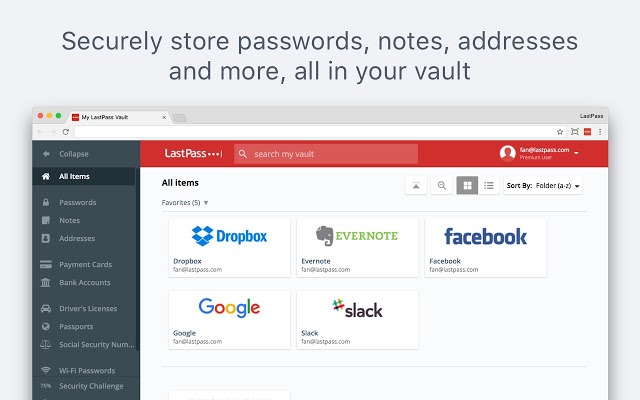
LastPass is a password manager that stores all your passwords in a secure vault. Using the master password, you can access your vault on any device or browser, quickly and securely. It also generates strong passwords that can be used on different websites.
4. Evernote Web Clipper –
Evernote Web Clipper makes it easy to save webpages and organise them into notebooks. You can highlight text, attach PDFs, add tags and even save images. All the clippings are synced to your Evernote account and can be accessed anywhere.
5. Momentum –
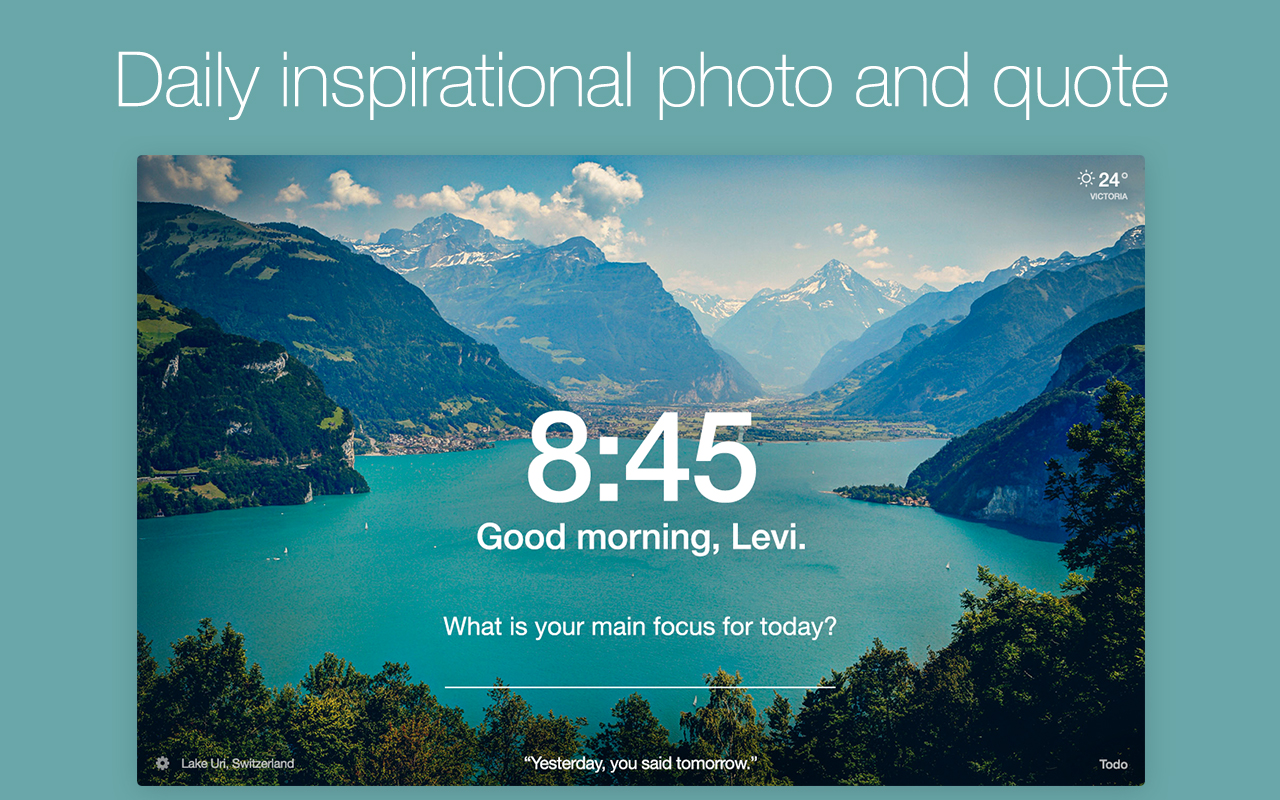
Momentum is an inspirational tool that sends out motivational quotes and reminders to stay productive. It also replaces your new tab page in chrome with simple, beautiful wallpaper and a personalized greeting.
6. Grammarly –
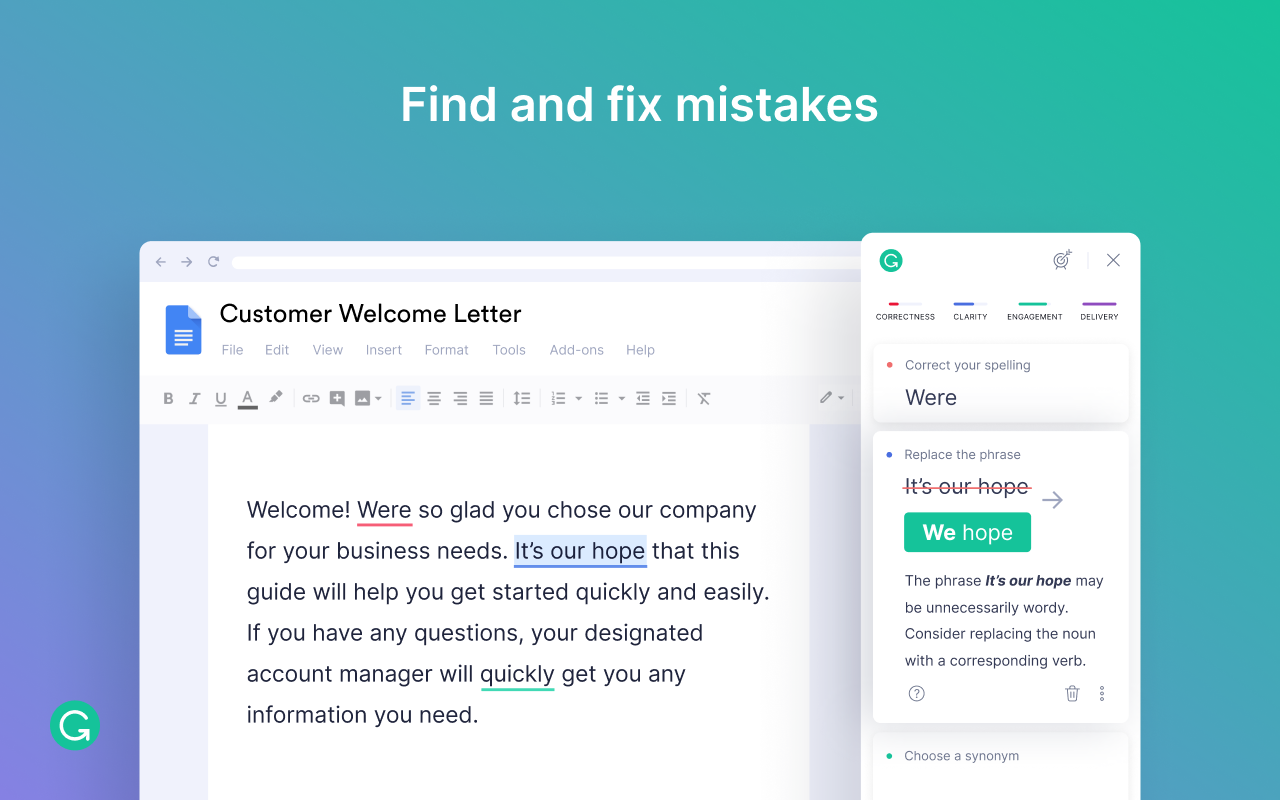
Grammarly helps you identify errors in your writing and suggests corrections for spelling, grammar, and punctuation mistakes. It’s a great tool for bloggers, online writers, students, and professionals.
7. Save to Pocket –
Save to Pocket is an extension that lets you save articles, videos, and other web content for later viewing. It stores the content in an extension and can be accessed offline. It’s a great tool for research purposes or reading something while you’re traveling.
You can check This Article: 15 Best Telegram Bot in 2022
8. Hunter –
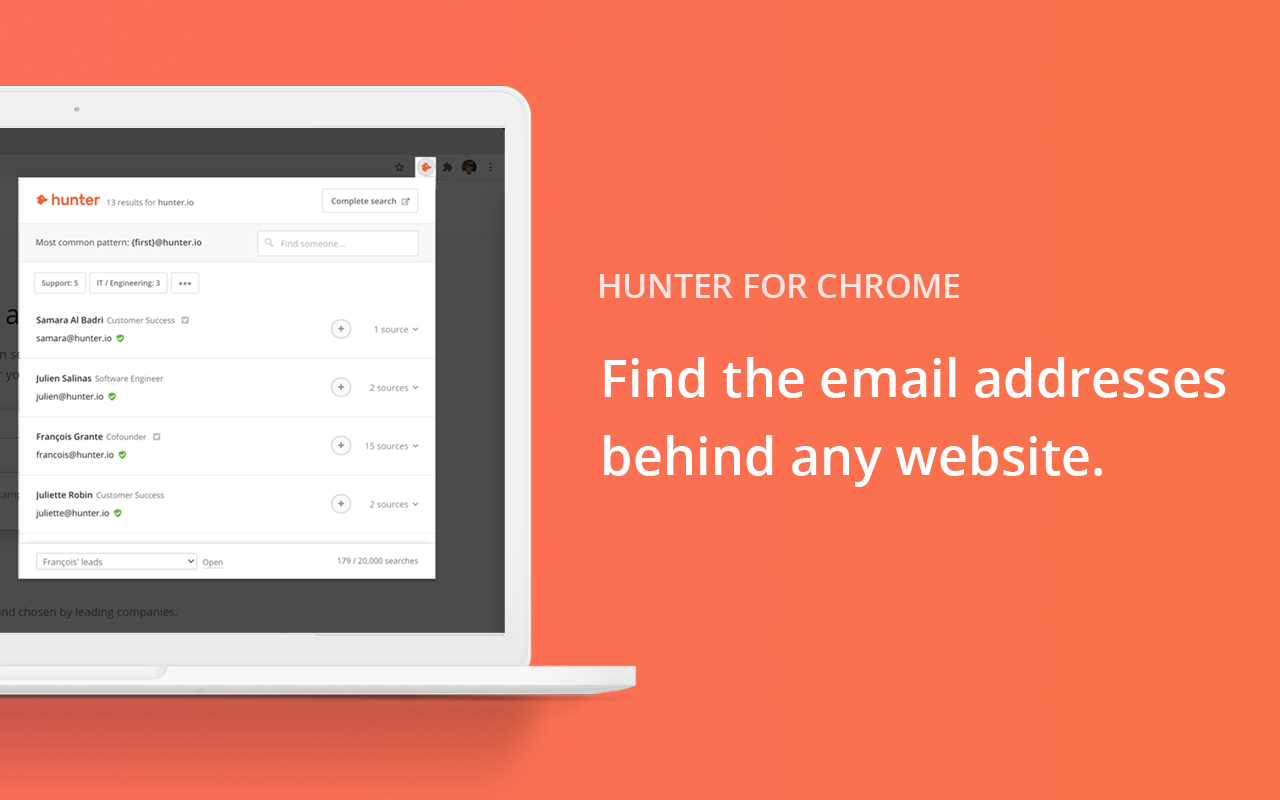
Hunter helps you find contact details for people and businesses. It searches the web and shows email addresses, phone numbers, job titles, and more for any company website.
9. Todoist –
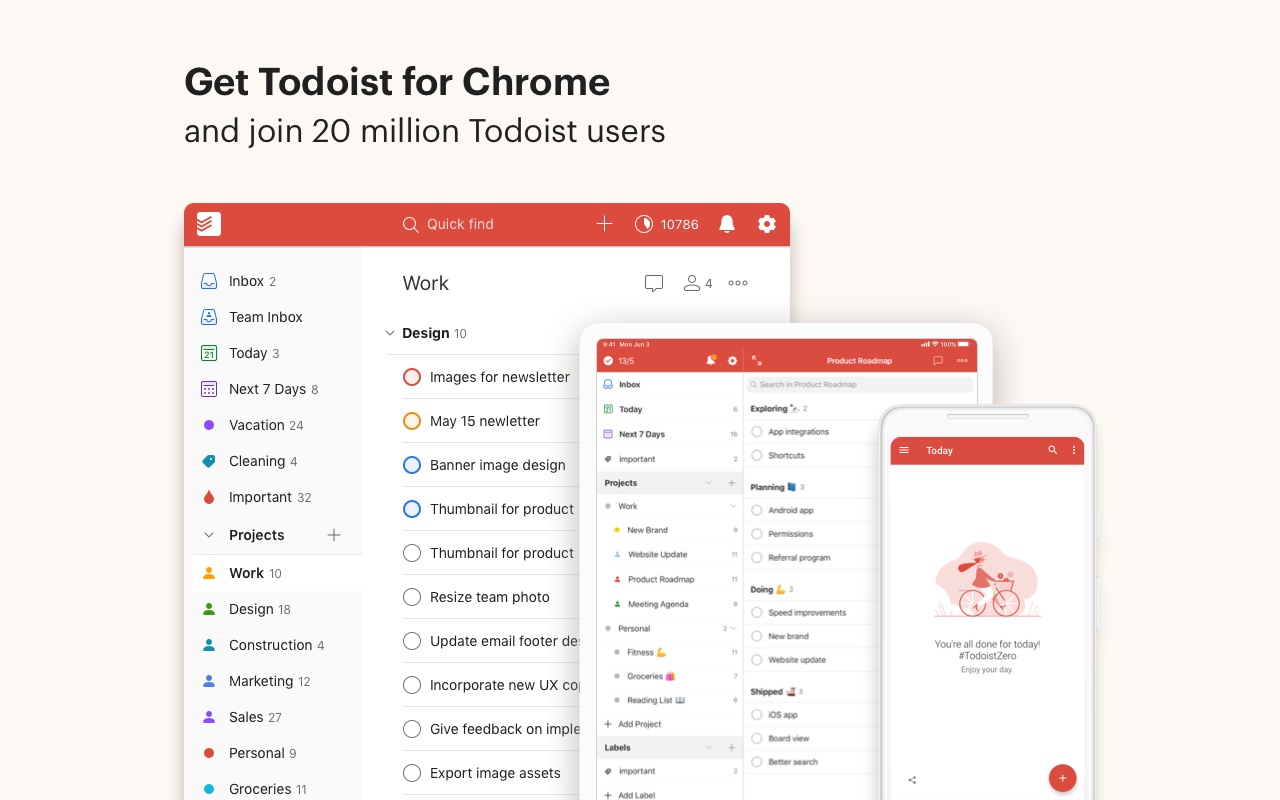
Todoist is a task management tool that helps you keep track of tasks, to-dos, and projects. It can be accessed on any device and is great for teams. There are also productivity features like reminders, labels, filters, and comments.
10. Boomerang for Gmail –
Boomerang for Gmail is an extension that lets you schedule emails to be sent at a later date. It also helps you track the responses you received and set reminders to follow up with any unanswered emails.
These are just some of the many Chrome Extensions available. Each one provides unique features and functions that can help you improve your web browsing experience and be more productive.
So check them out and see which ones work best for you.

0 Comments